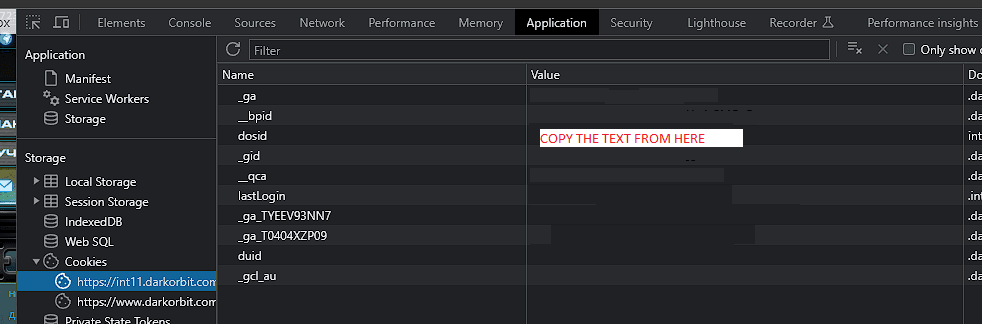
1. How to autostart the bot?
-
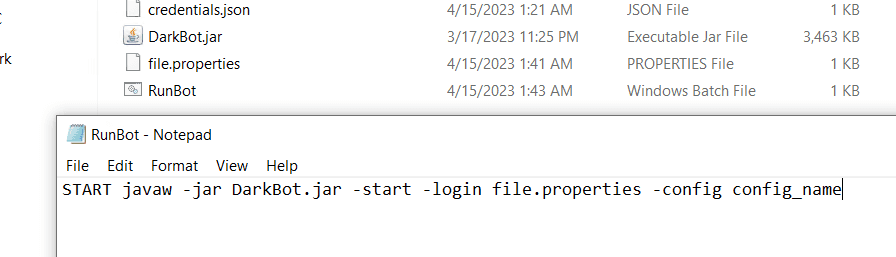
Open the folder with your bot and create two files: runbot.bat and file.properties.
-
In file.properties enter login, password and master password (if any).

- In runbot.bat write the following command:
START javaw -jar DarkBot.jar -start -login file.properties
- If you want to run the bot with a specific configuration, add:
-config config_nameAfter all the changes, it should look like this:
2. How to run multiple bots?
- Duplicate the folder with your bot and rename it if you want, and enter the details of another account.
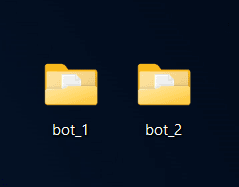
- Run them.

3. How can I find out the SID and the server?
-
Right click on the page when you are logged into DarkOrbit through the browser.
-
Select "display site/website source" (this will take you to a new tab or notepad, etc.).
-
CTRL+F and type "SID".